

Amar Hishab ERP
51.1 MB • APKFast, safe & free • Resume supported
Screenshots
About Amar Hishab ERP
Amar Hishab – Smart Business Accounting & ERP
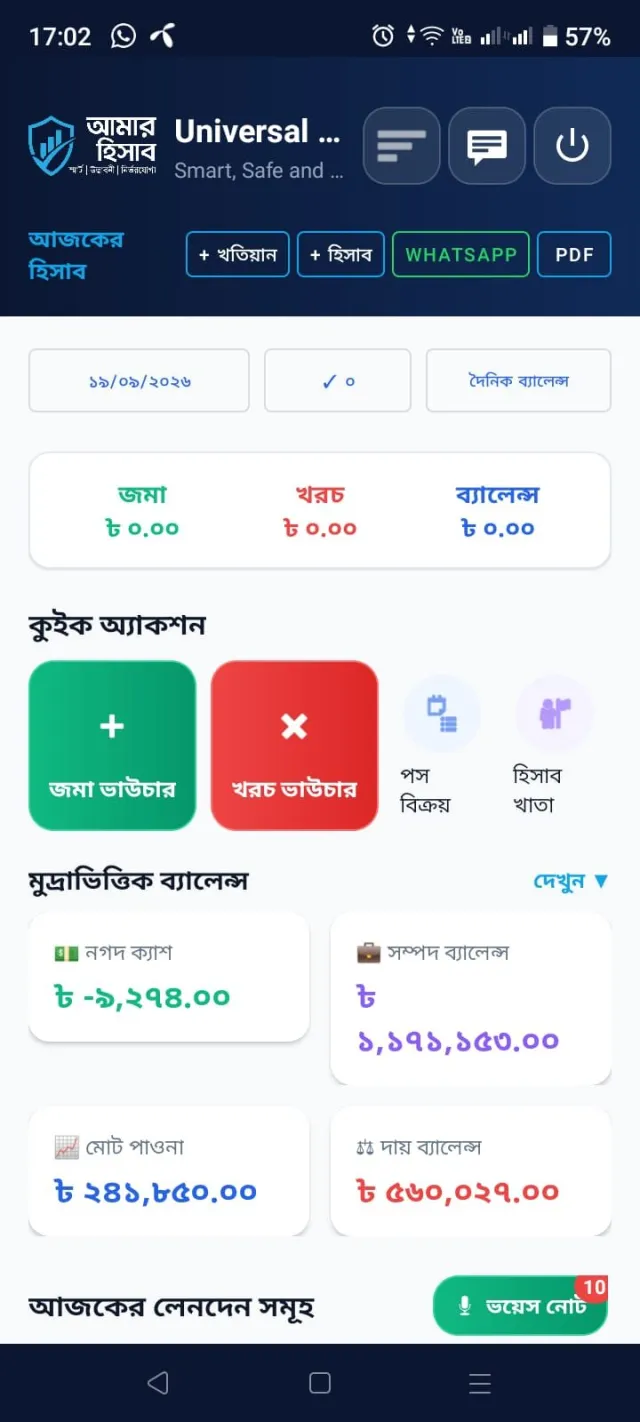
Amar Hishab (আমার হিসাব) is an all-in-one business accounting, ERP, POS, inventory, and management application designed for individuals, entrepreneurs, retailers, service providers, contractors, and growing businesses.
Manage your personal finances, multiple businesses, sales, purchases, inventory, employees, projects, and financial reports from one convenient platform.
Whether you operate a retail shop, wholesale business, farm, construction company, service center, or multiple businesses, Amar Hishab helps you organize your daily operations and make better business decisions.
Key Features
1. Personal & Business Accounting
Record income, expenses, payments, and receipts.
Manage multiple businesses independently.
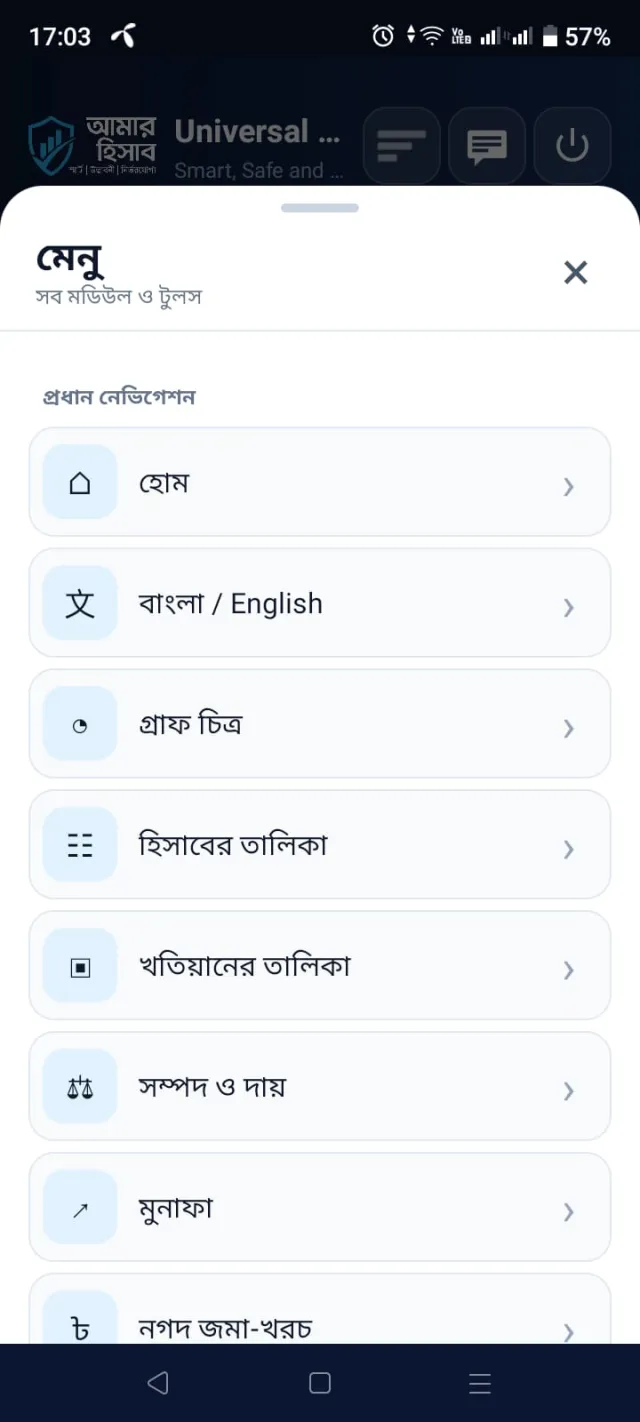
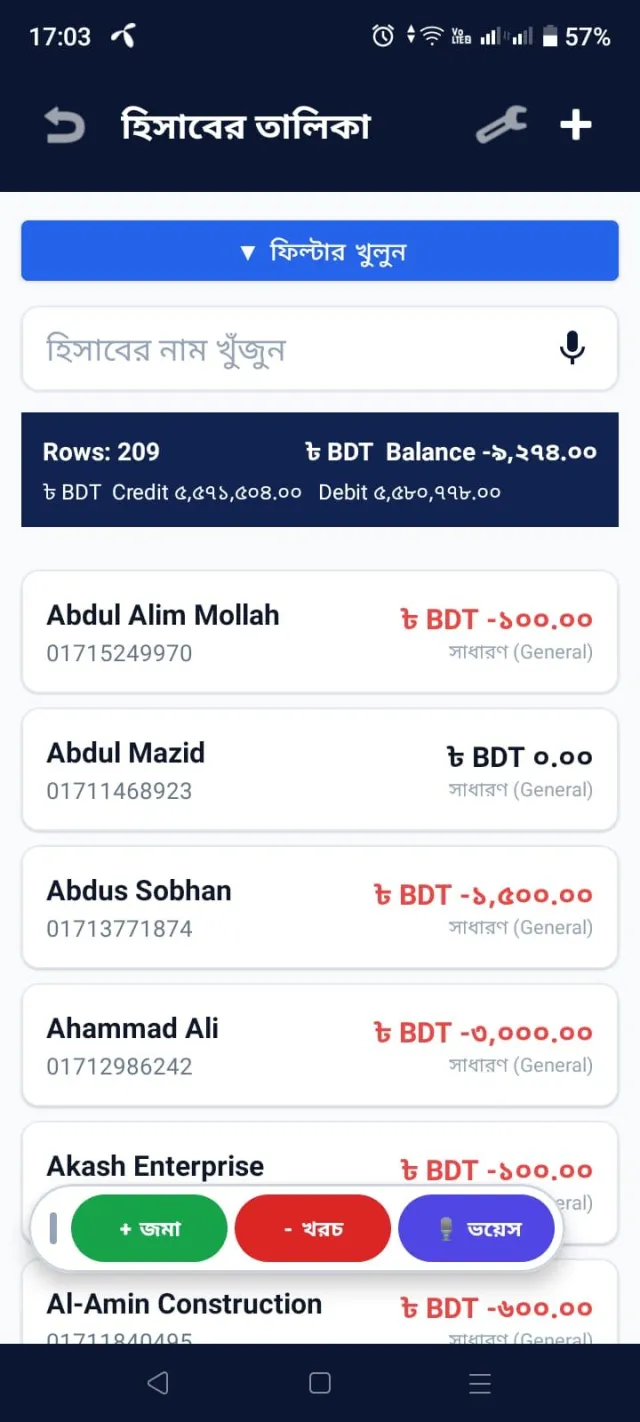
Organize accounts using ledger groups, khatians, and account structures.
Track cash and non-cash transactions.
Manage multiple currencies for different accounts.
View balances, financial statements, and transaction history.
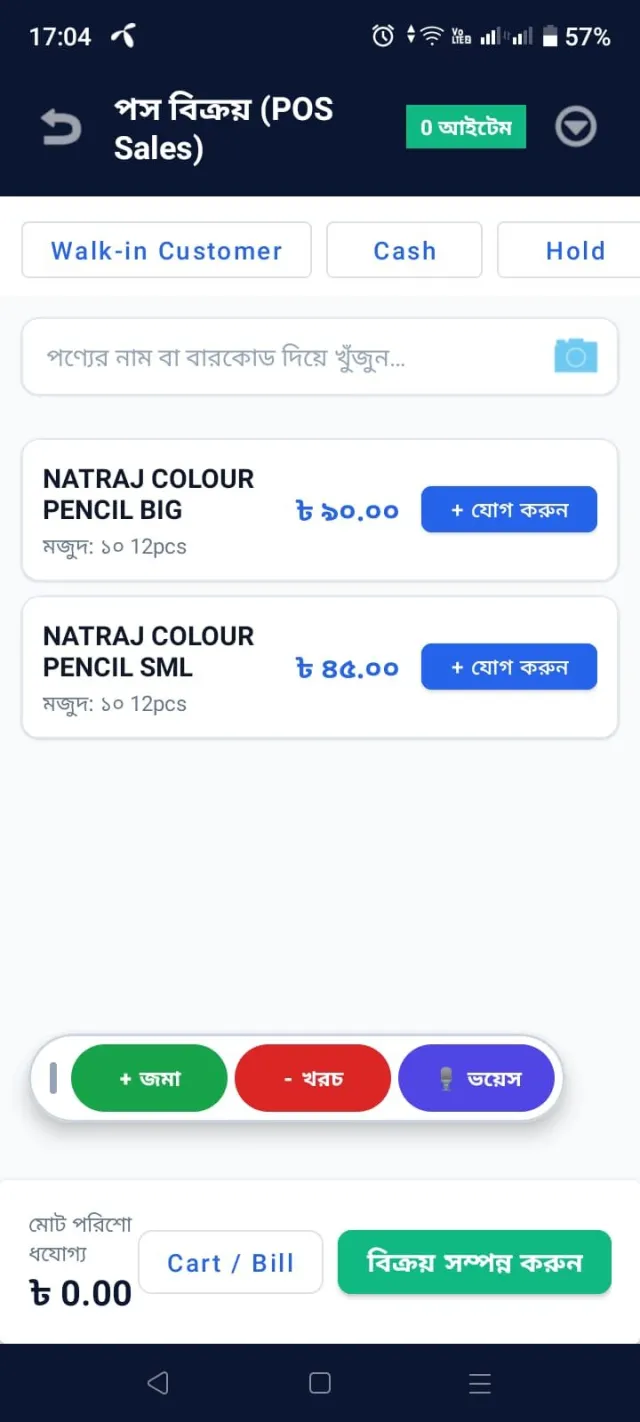
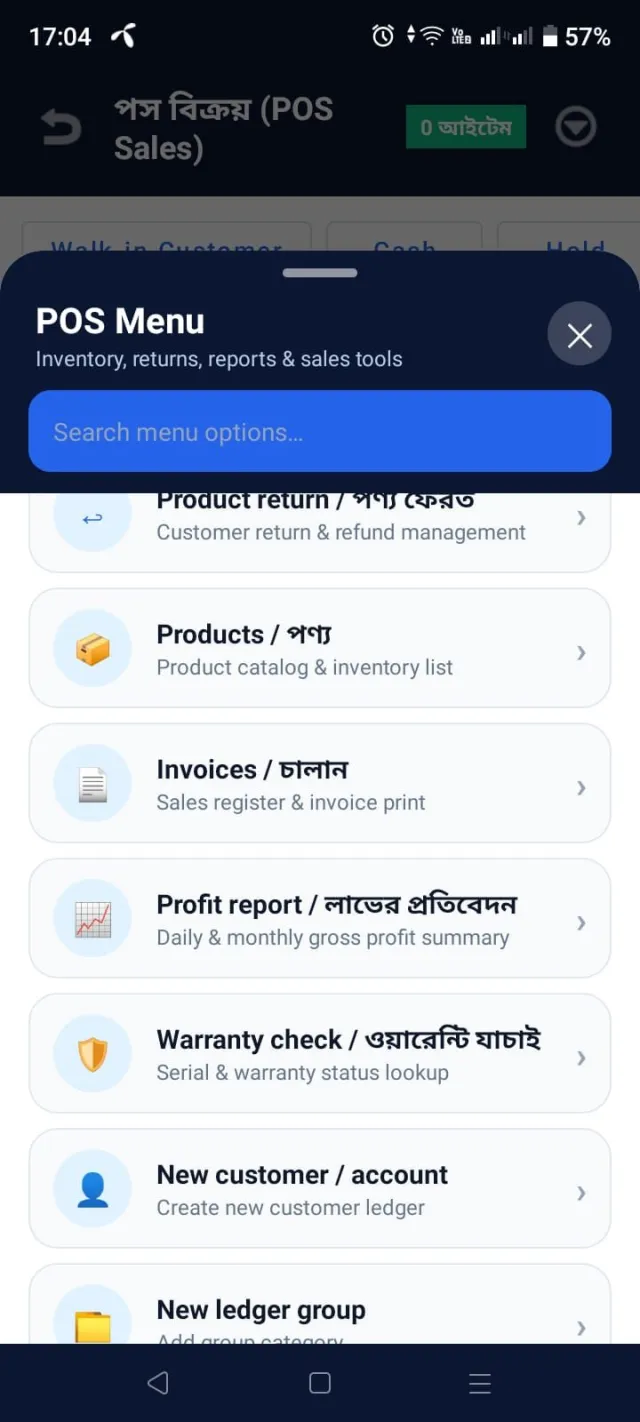
2. Point of Sale (POS) & Billing
Create sales invoices quickly.
Manage retail and wholesale transactions.
Search products and generate bills.
Hold and resume invoices.
Manage installment sales and payment collections.
Monitor sales performance and customer transactions.
3. Inventory & Stock Management
Maintain product and inventory records.
Manage stock across multiple stores and locations.
Record stock transfers and adjustments.
Track purchases, sales, and stock movements.
Use barcode-based product management.
Manage product warranties and returns.
4. Employee & Payroll Management
Maintain employee records.
Manage salary and payroll structures.
Track employee attendance.
Record electronic attendance using Android devices.
Manage staff permissions and access controls.
5. Partnership & Profit Distribution
Manage business partnerships.
Track each partner's investment and financial position.
Calculate profit and loss distribution.
Monitor partner payments, receivables, and payables.
6. Project, Construction & Agricultural Management
Maintain project-wise income and expenses.
Analyze construction tender rates and material costs.
Manage project budgets and financial performance.
Track crop-wise and farm-wise profitability.
Monitor materials, labor costs, and project expenditures.
7. Assets, Liabilities & Financial Reporting
Maintain assets and liabilities.
Track receivables and payables.
Review business income, expenses, and profitability.
Generate financial reports and transaction statements.
Monitor overall financial performance across businesses.
8. Task & Schedule Management
Create and manage business tasks.
Organize daily activities and schedules.
Track assignments and responsibilities.
Improve team coordination.
9. Business Communication
Communicate with customers, employees, and business partners.
Use individual and group chat.
Share files and business information.
Make supported voice and video calls.
Connect accounts through the Link Center.
10. Voice Notes & Smart Transaction Entry
Record voice notes for business transactions.
Share transaction instructions with authorized employees.
Use voice-based search and input where supported.
Maintain transaction activity records for better accountability.
11. Specialized Business Tools
Installment management.
Production and manufacturing tracking.
Service management.
Check register management.
Gold and jewelry accounting with specialized weight units.
Customer support and feedback management.
Why Choose Amar Hishab?
All-in-one accounting and business management.
Supports personal and multiple business accounts.
Suitable for small, medium, and growing enterprises.
Bengali-friendly business management experience.
Centralized financial and operational information.
Flexible tools for different business categories.
Accessible through supported Android devices and web browsers.
Who Can Use Amar Hishab?
Amar Hishab is suitable for shop owners, retailers, wholesalers, entrepreneurs, accountants, contractors, construction businesses, farmers, agricultural businesses, service providers, and organizations that need organized financial and operational management.
Simplify your accounting. Organize your business. Manage everything in one place.
Website: https://amarhishabapp.com
Developed by Universal Computers
https://universalcomputers.com.bd
What's New in v1.4.3
What's New – Amar Hishab
Improved application performance and responsiveness.
Updated user interface for smoother navigation.
Enhanced voice notes and voice-based transaction search.
Improved accounting and transaction management.
Enhanced inventory and POS functionality.
Improved employee attendance and payroll workflows.
Better business communication and account management.
Bug fixes, stability improvements, and general optimizations.
Manage your business more efficiently with Amar Hishab.
Technical Information
| License | Free |
| Operating System | Internet connection, permissions |
| Size | 51.1 MB |
| Version | 1.4.3 |
| Developer | Muhammad Makbul HOSAIN |
| Category | Finance |
| Language | English, Bengali |
| Updated | October 13, 2026 |
| Downloads | 0 |
| Security | Scanned — 100% Safe |
Old Versions
How to Install
Open Google Play Store on your Android device.
Search for "Amar Hishab" (আমার হিসাব).
Select the official Amar Hishab app by Universal Computers.
Tap Install and wait for the installation to complete.
Open the app and register a new account or sign in.
Start managing your personal and business accounts, POS, inventory, payroll, and other business activities.