Download
289.6 MB • EXEFast, safe & free • Resume supported
289.6 MB • EXEFast, safe & free • Resume supported
Screenshots
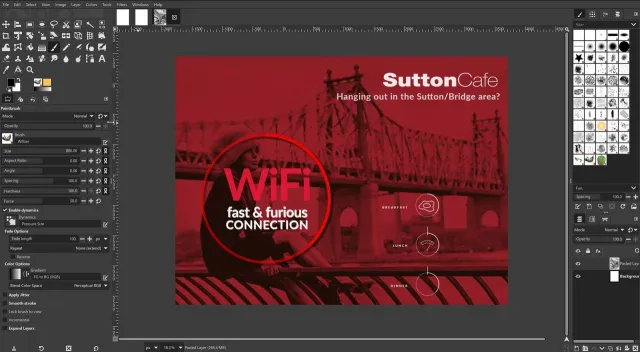
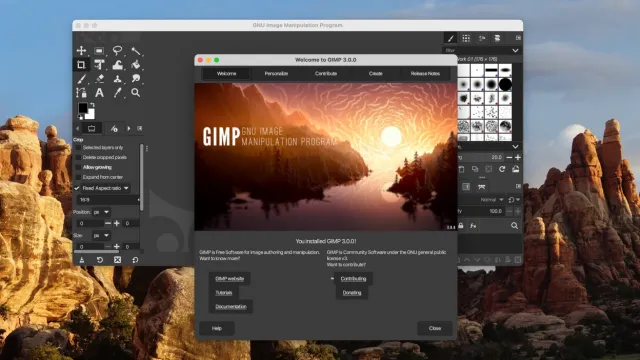
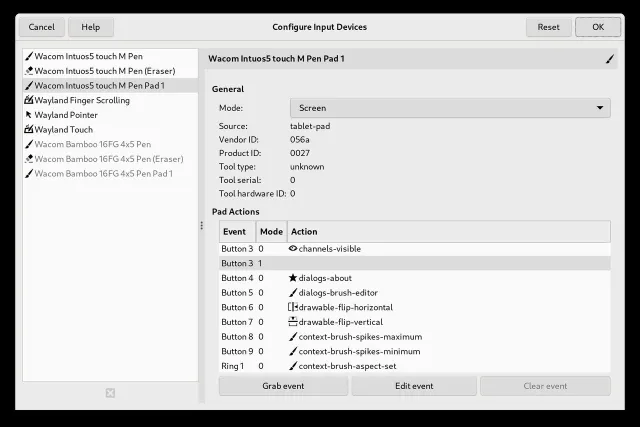
About GIMP
GIMP (GNU Image Manipulation Program) is a free and open-source professional image editor — the best-known free alternative to Adobe Photoshop. Version 3.0 brings a modern GTK3 interface, non-destructive layer effects and full HiDPI support.
Key Features
- Layers, masks, channels, paths and non-destructive filters (GIMP 3)
- Advanced photo retouching: healing, clone, perspective clone, warp transform
- Professional colour management, CMYK soft-proofing, high bit-depth (up to 32-bit float)
- Powerful selection tools, foreground select and Smart Text
- Supports PSD, PNG, JPEG, TIFF, WebP, HEIF/AVIF, RAW (via darktable/RawTherapee), SVG, PDF
- Scriptable with Python 3 and Script-Fu; hundreds of plug-ins
- Customisable single-window workspace and dark theme
- Free for personal and commercial use (GPL v3)
What's New in v3.0.8
- Stability fixes for the 3.0 series
- Improved Wayland / HiDPI handling and Windows Ink support
- Updated file-format plug-ins and translations
Technical Information
| License | Free |
| Operating System | Windows 10 / 11 (64-bit), 4 GB RAM recommended |
| Size | 289.6 MB |
| Version | 3.0.8 |
| Developer | The GIMP Team |
| Category | Photo Editors |
| Language | English, Urdu + multilingual |
| Updated | September 26, 2026 |
| Downloads | 235,002 |
| Security | Scanned — 100% Safe |
Old Versions
v3.0.8Latest289.6 MB • Sep 26, 2026
DownloadHow to Install
Download the installer (.exe) from the official link
Double-click the file and allow it when Windows asks for permission
Follow the setup wizard (Next Install)
Launch the program from the Start menu